Matching a Peptide Supplier COA to the Stock You Received
You only know your batch number once the label is in your hand. A step-by-step delivery-day routine for matching it to the right report.

Before you order, a peptide supplier COA tells you what documentation exists for a product. It cannot tell you whether that report applies to the pens you will receive, because you do not yet know which batch they came from. That question can only be answered once the label is in your hand.
Delivery day is therefore when the real match happens. This article sets out a simple routine for that moment, from the parcel arriving to a report filed against the right stock, and explains what to do when the numbers do not line up.
Why the match happens when the parcel arrives
A published report is tied to a batch. The pens you receive also come from a particular batch, and the batch number printed on each label is what links them to a specific report.
You can read reports in advance, and it is worth doing. But until you compare the label with the report, you have a likely match rather than a confirmed one.
From parcel to matched report, step by step
Work through these steps in order. The first two are about protecting the stock; the rest are paperwork, which can wait a few minutes.
- Receive the parcel. CLOVA ships cold, by tracked delivery, in discreet unbranded outer packaging. Make sure whoever receives post knows to look out for a plain parcel and pass it on promptly.
- Get the pens into cold storage. Store at 2 to 8°C, do not freeze, and keep them away from light. The storage guide has the detail.
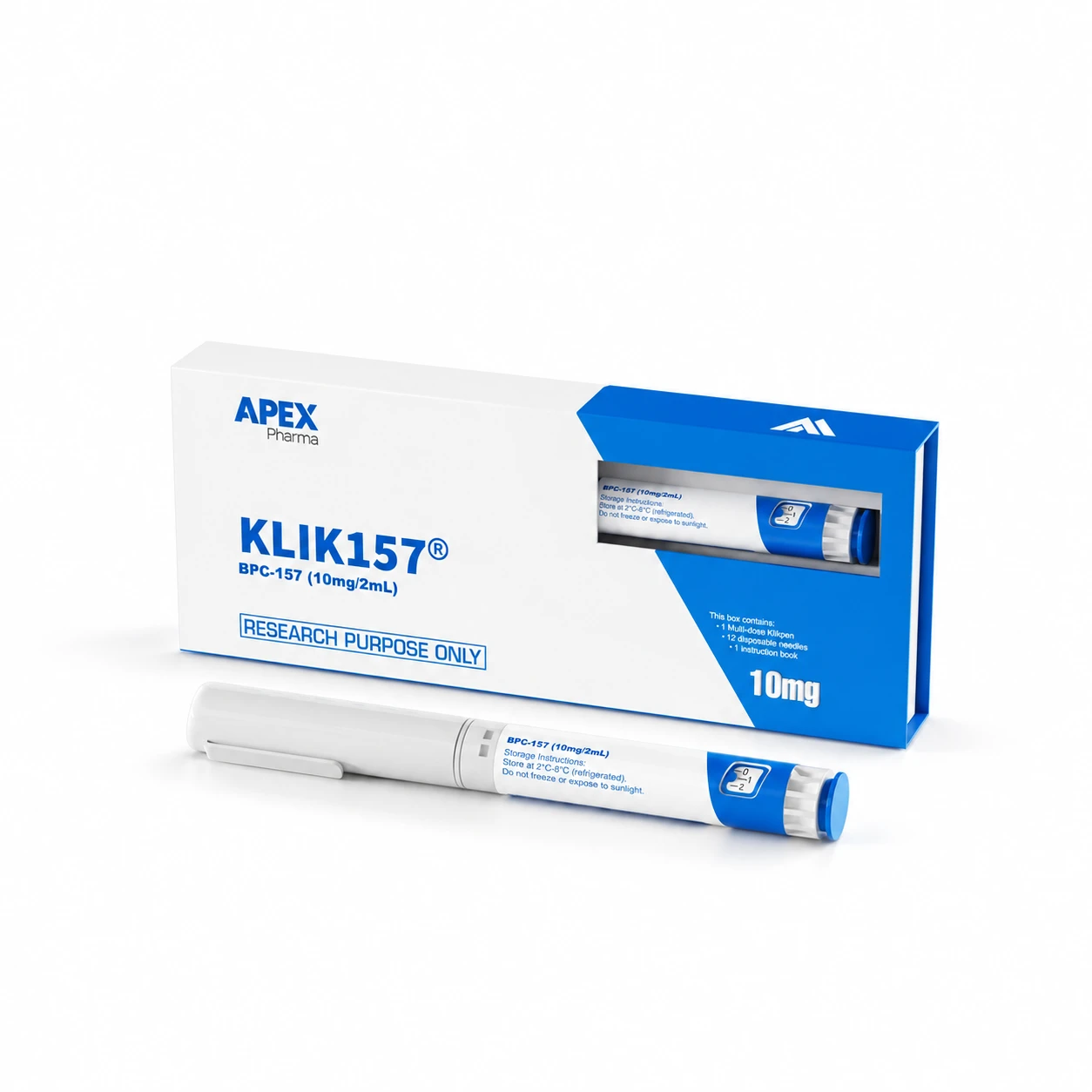
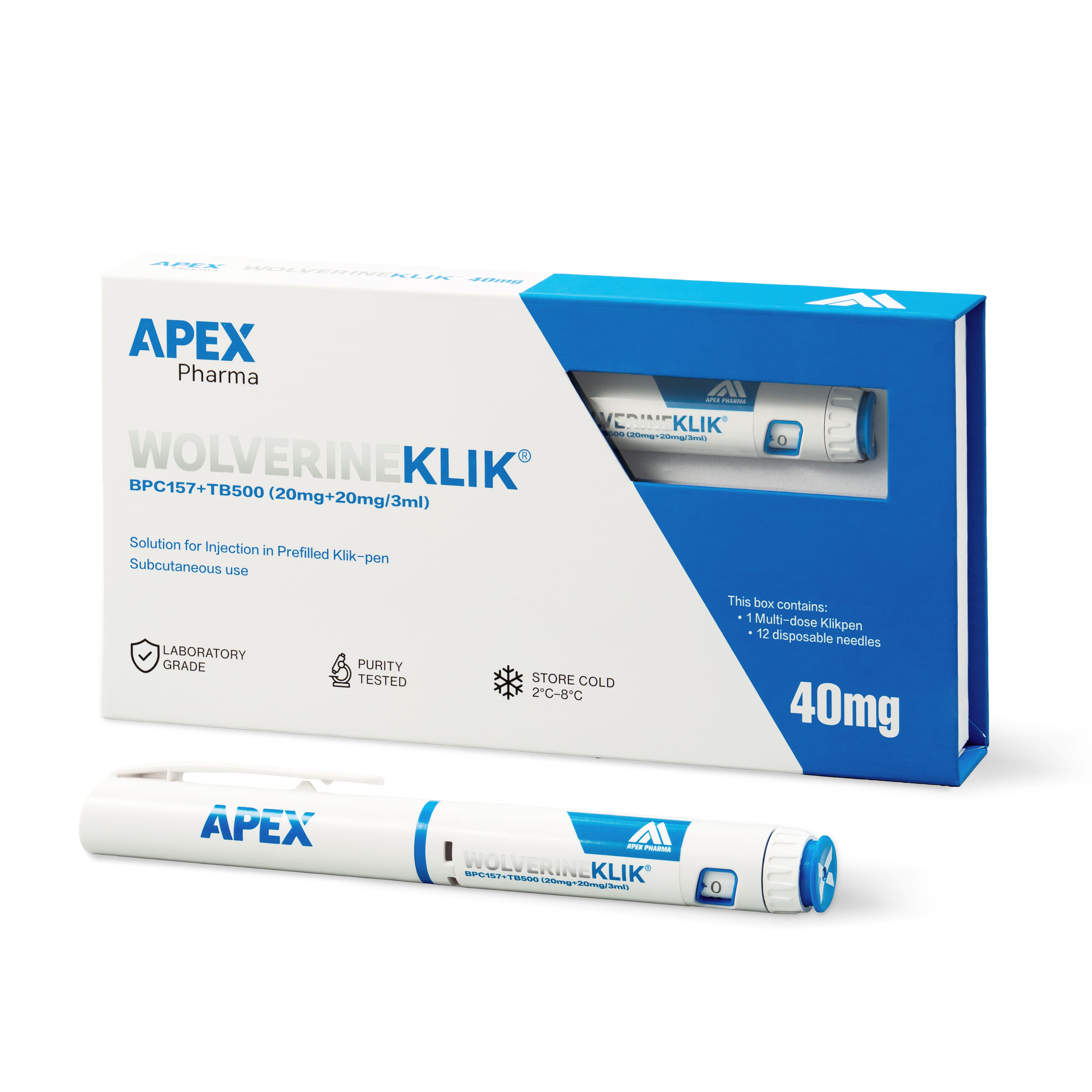
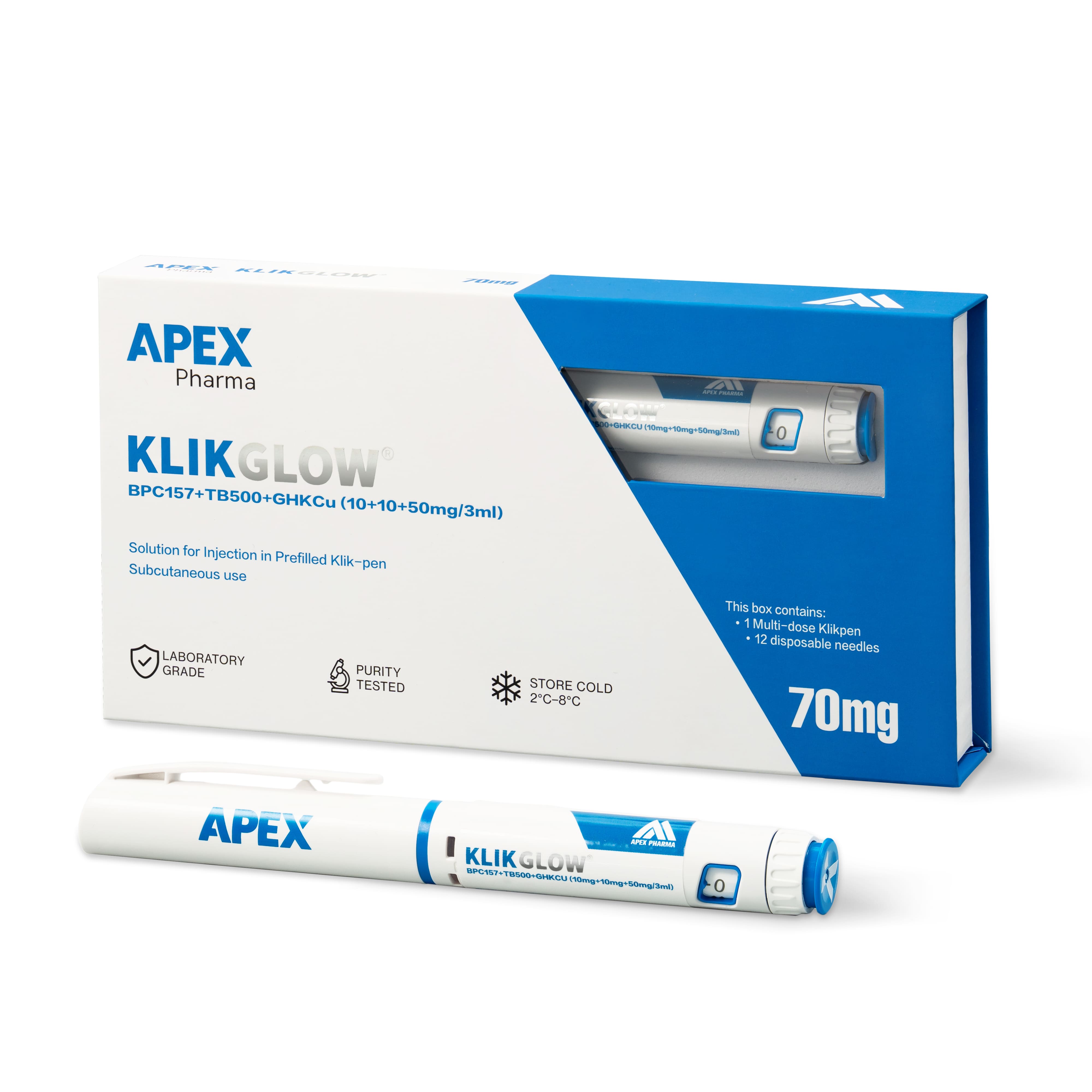
- Read the label name and stated amounts. Check them against your order. The Wolverine blend is labelled WOLVERINEKLIK, GLOW is KLIKGLOW, and the STRENGTH bundle contains two pens labelled KLIK500 and KLIK157.
- Record the batch number exactly as printed. A clear photo of the label avoids transcription errors.
- Find the report. Open the COA page or the product page and locate the certificate for that product, where one is available.
- Compare. The batch reference, product name and stated amounts on the report should all correspond to the label.
- File the result. Save the report with your receiving record and note whether the match was confirmed or is still open.
For a multi-pen order, repeat steps 3 to 7 for each label. Never assume that pens in the same order share a batch.
When the numbers don't line up
A mismatch is not automatically a problem with the product. The most common explanations are ordinary ones.
- The published report covers an earlier batch, and a report for yours has not been posted yet.
- The report you opened is for a related product, such as a single peptide rather than the blend you bought.
- A character in the batch number was misread or mistyped.
Check the last two first, since they are quick to rule out. If the batch numbers still differ, contact CLOVA with the label photo and the report you compared it with, and ask whether a report exists for your batch. Record the match as open until you have an answer, and do not attach the nearest-looking report as a stand-in.
If the issue is with the delivery itself, such as damaged packaging, the returns and refunds page explains how to raise it.
Keep the original, not a copy of a copy
Once you have a match, save the report as published rather than a screenshot or a forwarded extract. Note where you downloaded it from and the date, and keep the batch reference visible in the file name.
That small habit pays off later. When someone audits the file, or a repeat order arrives with a new batch number, they can see at a glance which report belongs to which delivery. It also keeps the record clear that the material was supplied for research use only and received under your normal procedures.
Frequently asked questions
What if the batch number on the label is hard to read?
Take a well-lit photo and compare it with any batch references on published reports for that product. If it is still unclear, send the photo to CLOVA and ask them to confirm the batch. Avoid guessing a character to force a match.
Do we need to match every pen in a multi-pen order?
Yes. Each pen carries its own label, and pens in the same order may come from different batches. A match for one pen tells you nothing about the others.
Can we match the report before the parcel arrives?
You can identify which reports are published and read them in advance. A confirmed match, though, needs the batch number from the label, so the final check always happens on receipt.