Laboratory Peptides Online in the UK, From Open Tabs to a Clean Order
Browser tabs and screenshots are not a purchasing record. Build a short, dated order file in four stages so every online peptide order can be explained later.
Most orders for laboratory peptides online in the UK begin the same way: a dozen open tabs, a couple of screenshots and a hazy memory of which page said what. That is fine for browsing. It works badly six weeks later, when a colleague asks why you picked a particular listing and what you were told before you paid.
You don't need heavy paperwork to fix this. You need a small order file, built in four short stages as you go, so the record exists before the parcel does. Here is what goes in it, and when.
Stage one: freeze each listing as it looked on the day
Product pages change. Prices move, descriptions get tidied, a report is replaced with a newer one. So the first habit is to capture every candidate listing with the date, the full URL and everything that describes the pack: the product name, the contents and the stated amounts.
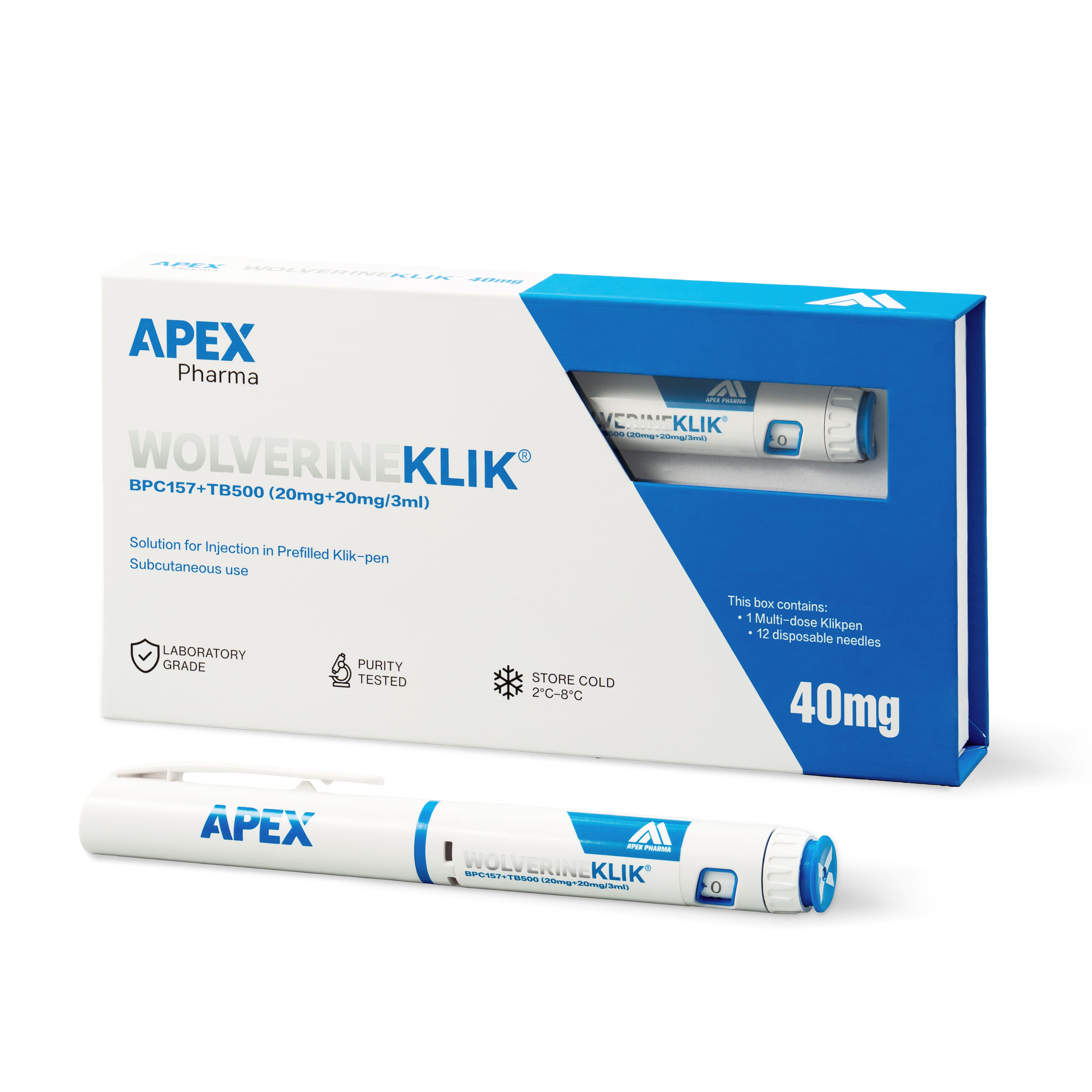
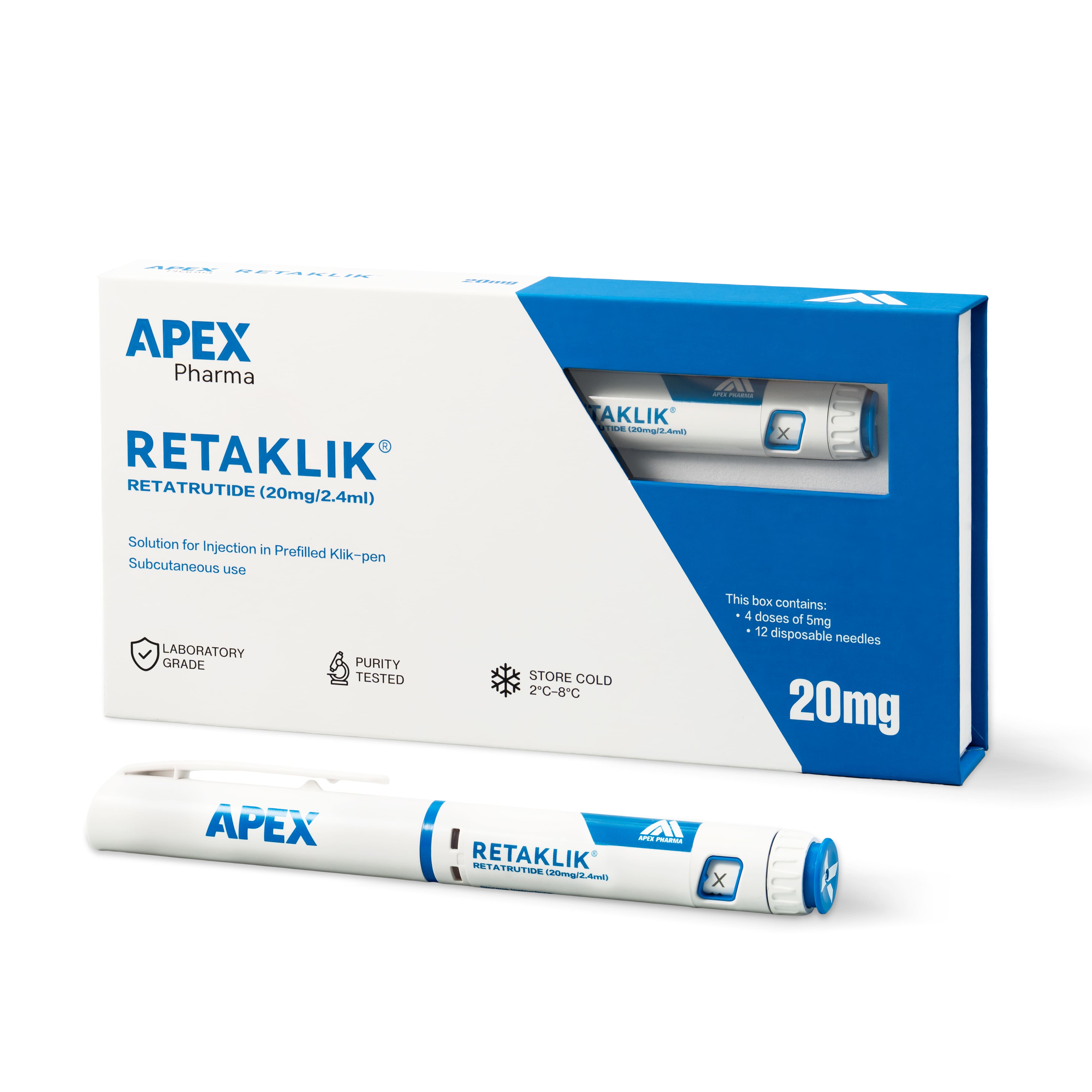
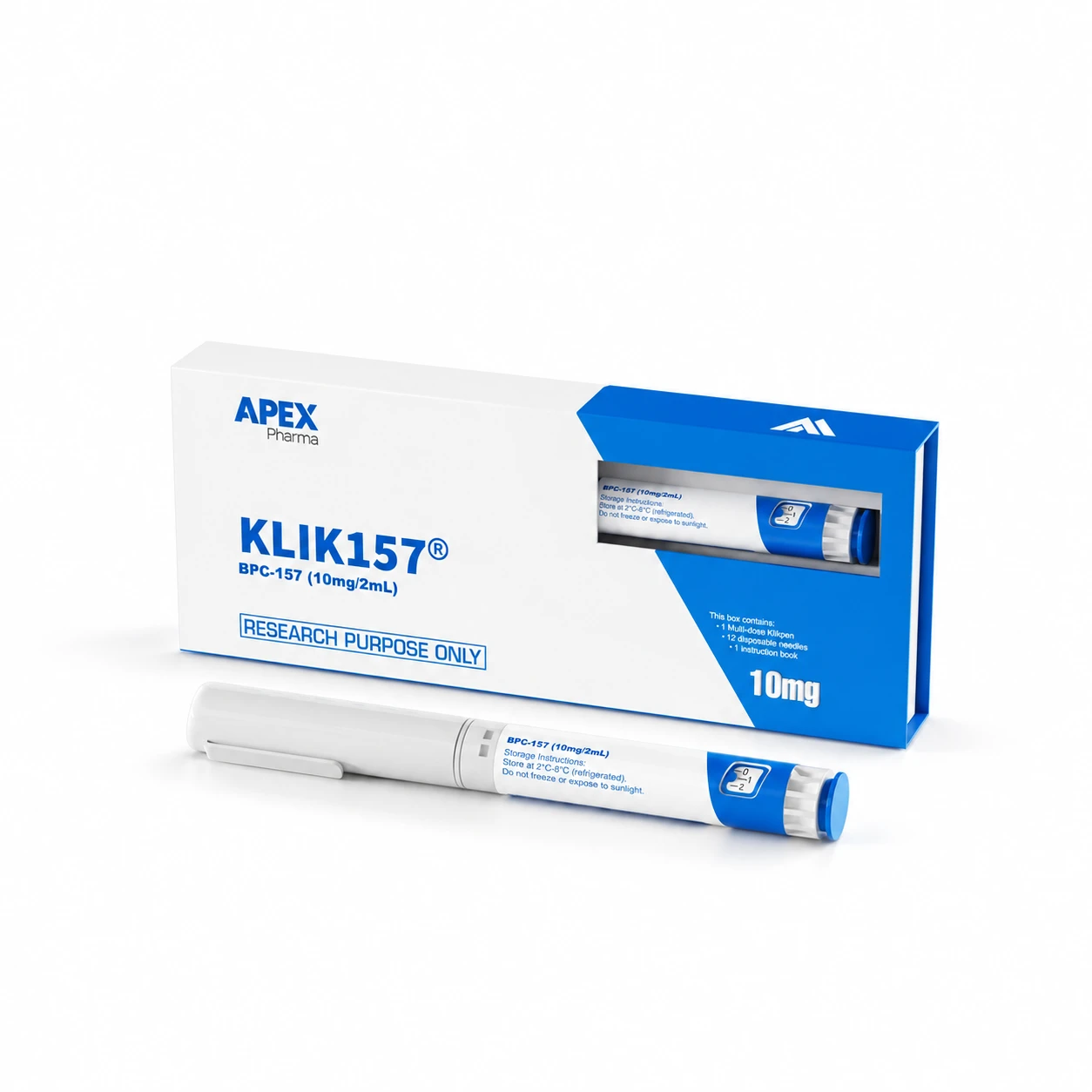
Read the contents line carefully before you save it. CLOVA's Wolverine pen, for example, is described as BPC-157 20mg plus TB-500 20mg in a single 3ml pen, while the BPC-157 10mg listing is one peptide on its own. The names overlap but the items do not. A capture that shows the whole description, not just a headline, lets you prove later which one you meant. The research catalogue is a sensible place to start collecting.
Stage two: write what you need before you compare
Before you hold any listing up against another, put the requirement in two or three lines. Name the material, the amount, how many units you need, who will receive the parcel and what documentation you expect to see before the material is accepted.
Writing this first matters. An attractive listing can quietly rewrite a requirement if you let it, and a short note written in advance is a cheap way to stop that happening.
Stage three: turn doubts into questions that can be answered
Every listing leaves something unsaid. Rather than relying on a chat window or a phone call, send written questions that can be answered with a name, a number or a document. "Does the report on this page cover the batch number printed on the pen I would receive?" can be answered. "Is this good quality?" cannot.
Reports are published on the Certificates of Analysis page and on product pages where one is available, so check both and ask about any listing where you can't find one. Save the reply with its date.
Stage four: check the confirmation, then the parcel
The order confirmation is the document people skip, and it is the one that shows what you actually bought. Compare it line by line with your saved listing before you do anything else.
By the time the parcel is on your bench, the order file should hold:
- a dated capture of each listing you considered, with the chosen one marked
- your short written requirement
- the questions you sent and the answers you received
- the basket total, plus any discount code applied
- the order confirmation, checked against the listing capture
- the dispatch and delivery details you were given
- a receipt note giving the label name, the batch number, the condition on arrival and where the item went
Dispatch deserves a line of its own. Orders paid before 1pm UK time, Monday to Friday, are sent the same working day, and the delivery information explains what to expect after that. Products travel cold, in plain outer packaging, by tracked delivery, so tell whoever is receiving to expect a parcel that goes straight into storage at 2–8°C. Keep it away from light and do not freeze it; the storage guide covers the details.
What to do when the file shows a gap
A gap means the file is doing its job. A batch report you cannot find, a quantity written as pens on one page and milligrams on another, a delivery date nobody can confirm: each of these is cheap to settle before you pay and awkward afterwards.
Pause the order, send the specific question, and carry on once the answer is on file. Everything CLOVA lists is supplied for laboratory research use only, so your file should also show where the material will be used and who is authorised to receive it. That one extra line often saves a conversation with your purchasing team.
Frequently asked questions
How much record-keeping is enough for a single order?
Usually one page of notes plus the saved listings. The test is simple: could someone else reconstruct what you ordered, why you chose it and what arrived, without having to ask you?
Should I save screenshots or PDFs of listings?
Either works, provided the date, the URL and the full description are visible. A PDF is easier to search later and a screenshot is quicker to take. Pick the one you will actually keep doing.
Who should keep the order file?
The person placing the order should start it, but it belongs somewhere the receiving team and your approver can open it, such as the shared project folder. A file that lives in one person's inbox disappears when they do.