Keeping a Research Peptide Shortlist Current When the Brief Changes
When a project brief changes, a list of product names cannot explain itself. Add a role, a status and a date to every entry and re-sort instead of rebuilding.

A research peptide shortlist is easy to build and surprisingly hard to keep honest. The brief changes, a colleague adds a name, a supplier suggests an alternative, and a few weeks later nobody can say why six products are on the list or which of them still matter.
The fix is to make every entry carry its reasoning: what it is for, where it stands and when you last checked. With those three things in place you can re-sort the list when requirements move, rather than rebuilding it or, worse, ordering from it as if nothing had changed.
Give every entry a role, not just a name
A bare name tells the next reader nothing. Next to each candidate, write one line saying which part of the brief it was meant to answer. "Single-peptide listing, for the first experiment" is a role. "Looks good" is not.
Add a status next to the role. Four are enough: active for candidates in the current purchase request, background for those kept for a later question, parked for those waiting on an answer, and dropped for those removed, with a reason. A product can stay on the file without being in the basket, and the status shows which is which.
Work out what kind of change you are dealing with
Not every change affects the list in the same way. Before you edit anything, decide which of these has happened:
- the scientific question changed, so some candidates now answer the wrong thing
- the quantity or number of units changed, so earlier comparisons may no longer hold
- your information changed, such as a revised listing, a new report or a supplier reply
An unchanged product name does not make earlier conclusions current. Only the entries touched by the change need re-checking, and the rest can keep their dates.
A worked example: from a single peptide to a combination
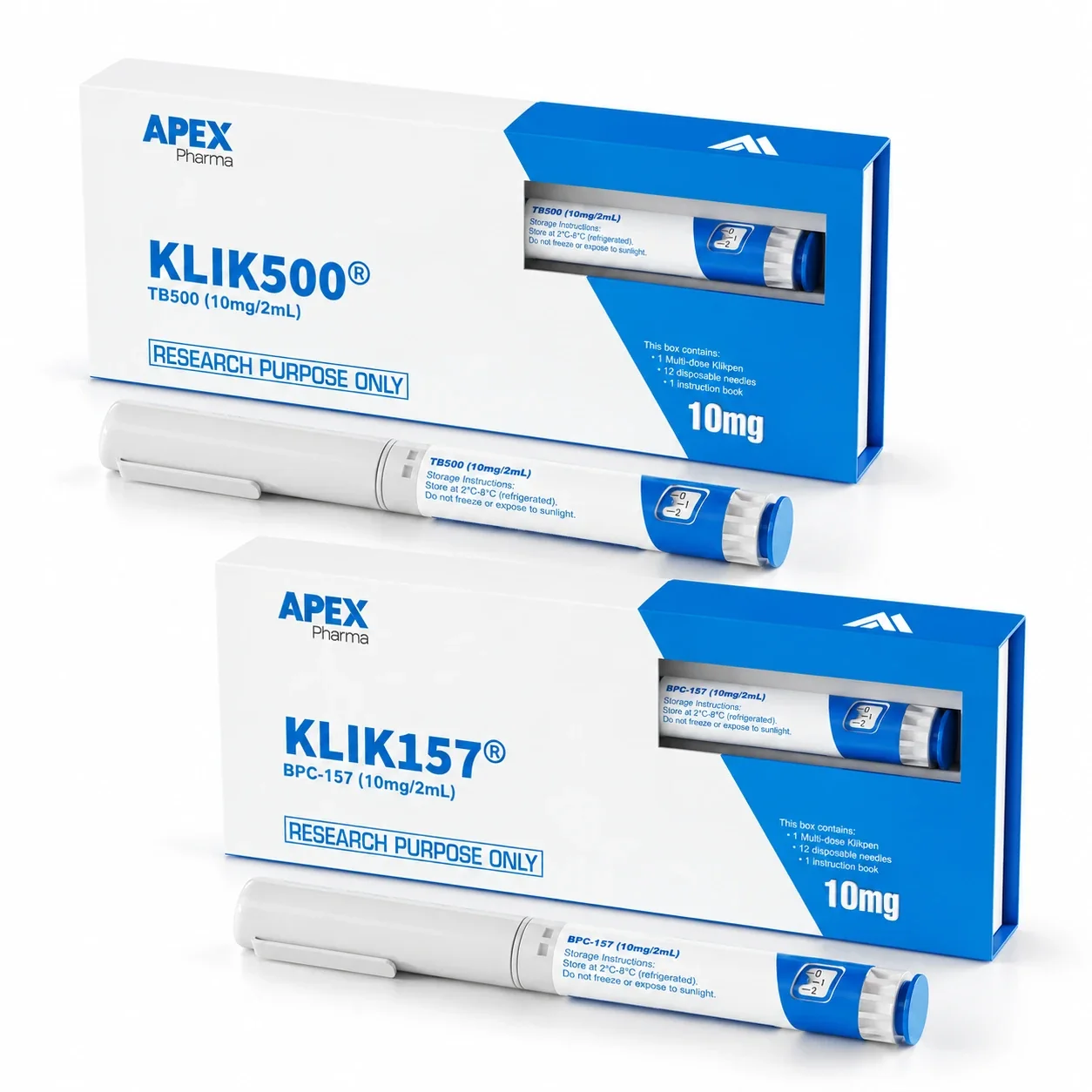
Suppose a team starts with a brief that needs BPC-157 alone. Their shortlist has the BPC-157 10mg listing as active. Then the brief widens to need TB-500 alongside it.
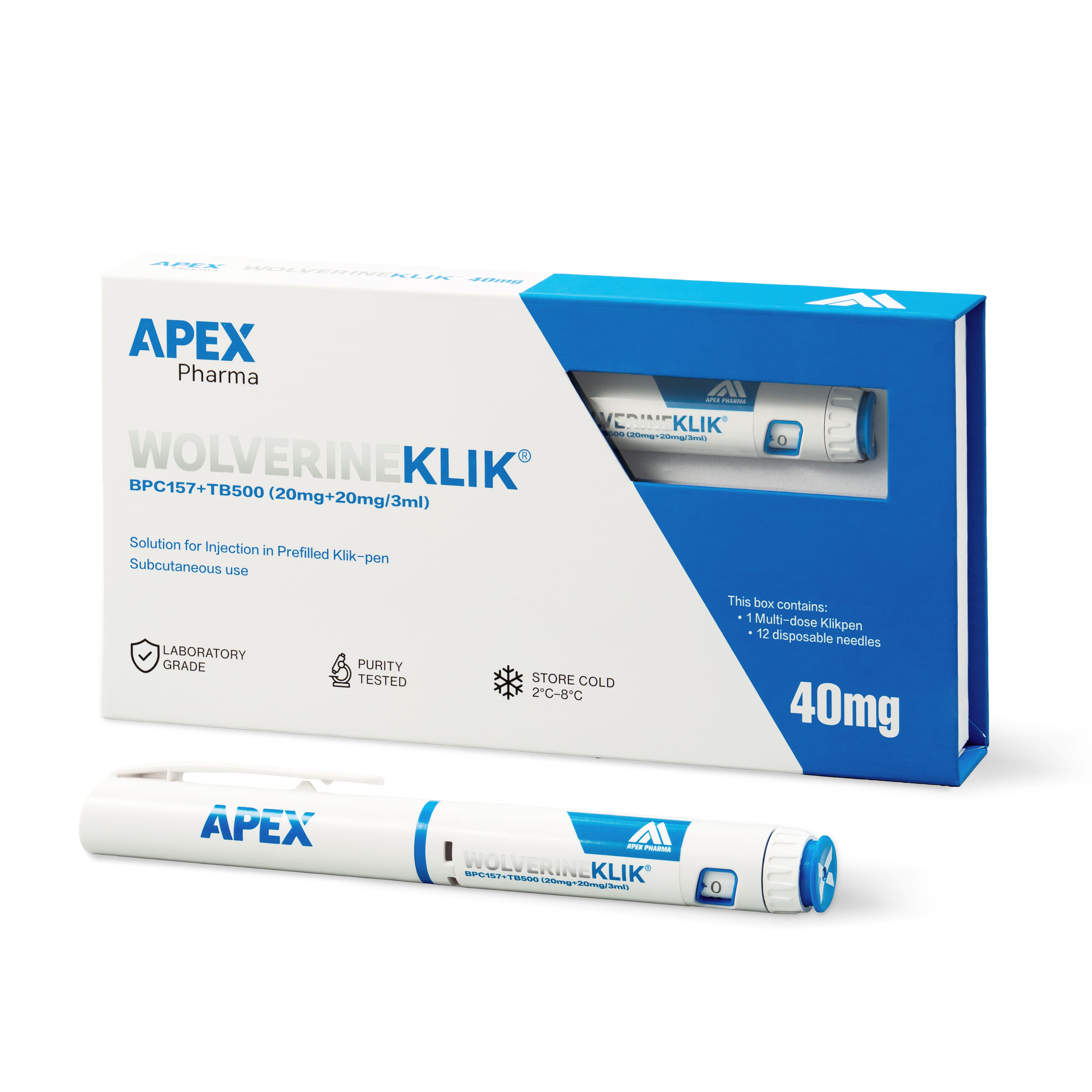
Nothing in the list should simply be swapped. The BPC-157 listing moves to background, because it still answers part of the question. Two new candidates come in: the Wolverine blend, which is a single 3ml pen holding BPC-157 20mg and TB-500 20mg, and the STRENGTH bundle, which is two separate pens. They answer the new brief in different ways, so each needs its own role and its own open questions. The comparison tool can put their descriptions side by side while you record what differs.
Record why entries leave
A dropped entry should say why, and the reason should be specific and neutral. "Contents do not match the revised brief" is a fair note. A vague "not suitable" invites someone to re-add it later and repeat the work.
The same applies to supplier suggestions. If a supplier offers an alternative during an enquiry, log it as a new entry with its own role, rather than letting it replace the original quietly. Your approved brief should decide what is bought, and convenience should not.
A five-point shortlist review
Run this whenever the brief changes, and at least before every purchase request:
- Does each active entry have a one-line role tied to the current brief?
- Is every status current, with a date of last check?
- For each changed requirement, which entries need re-checking?
- Are open questions assigned to a named person with a next step?
- Does the purchase request list only active entries?
If the answer to the last point is no, the basket has probably been filled from everything that was ever saved.
Frequently asked questions
How often should I review the shortlist?
Whenever the brief or a listing changes, and again just before you submit a purchase request. Between those moments it is fine to leave it alone.
Should I delete dropped entries?
Keep them, marked as dropped with the reason. It stops the same candidate coming back later, and it shows an approver that alternatives were considered.
What if a supplier suggests a different product?
Add it as a new entry with a note on who suggested it and why it might fit. Judge it against the brief like any other candidate, and leave the original request unchanged until someone with authority agrees to change it.