Reordering a BPC-157 TB-500 Bundle? Check Batch Numbers Again
The STRENGTH bundle is two separate pens, so there are two batch numbers to log. Why a reorder needs a fresh check, and a simple way to record it.
A bundle is a convenient way to order, but it isn't a batch. When you go looking for a BPC-157 TB-500 bundle batch report, the first thing to settle is what the report is actually about: which pen, and which batch of that pen.
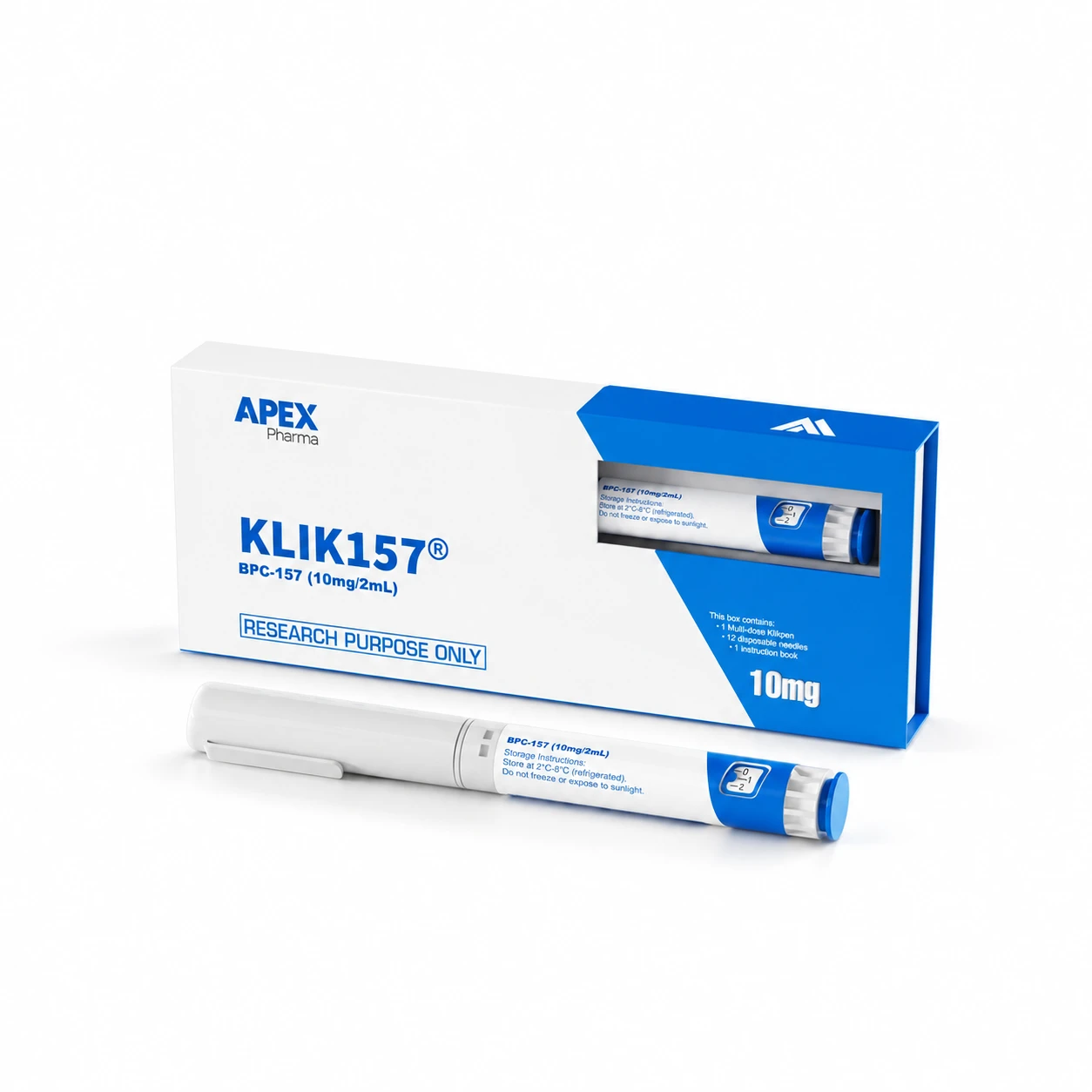
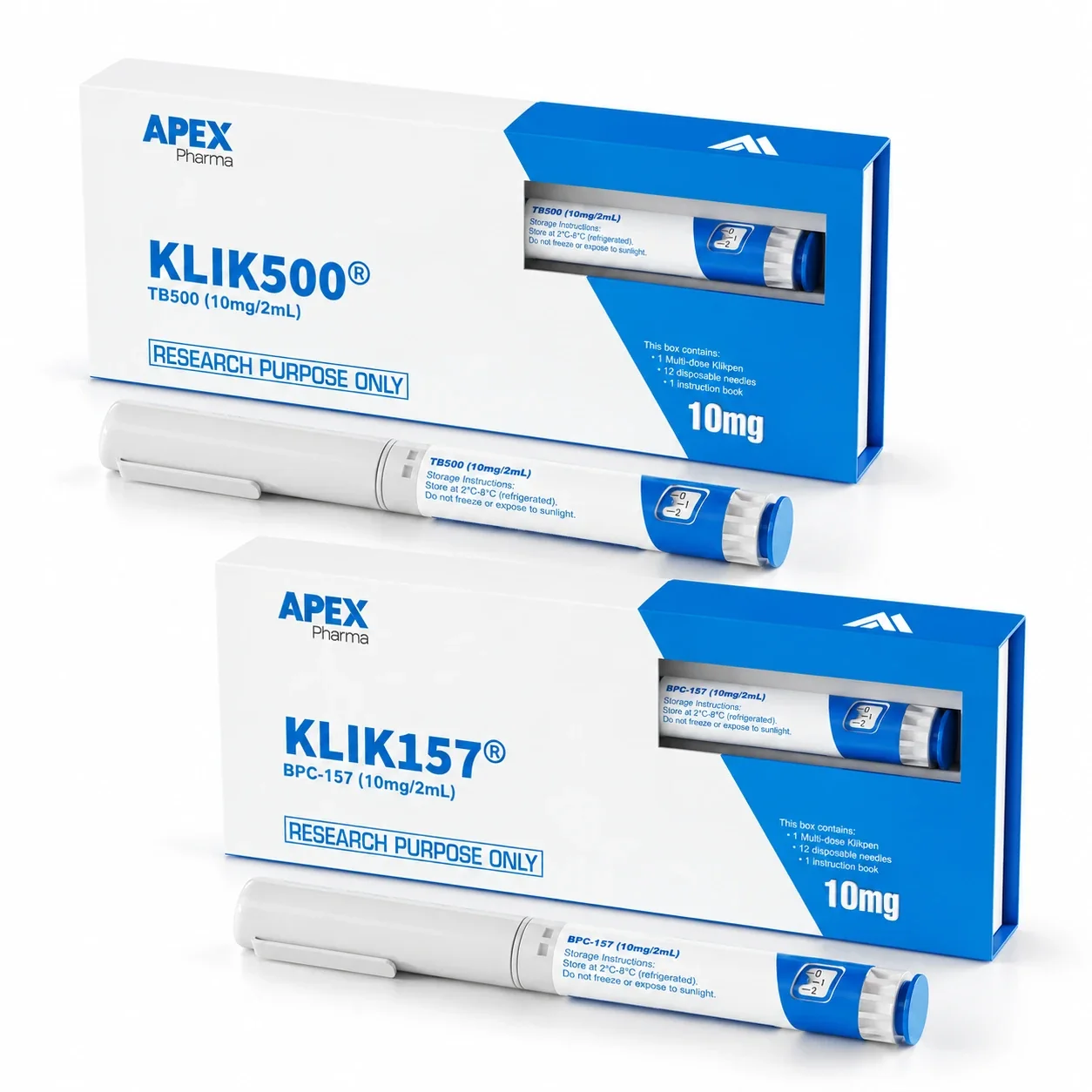
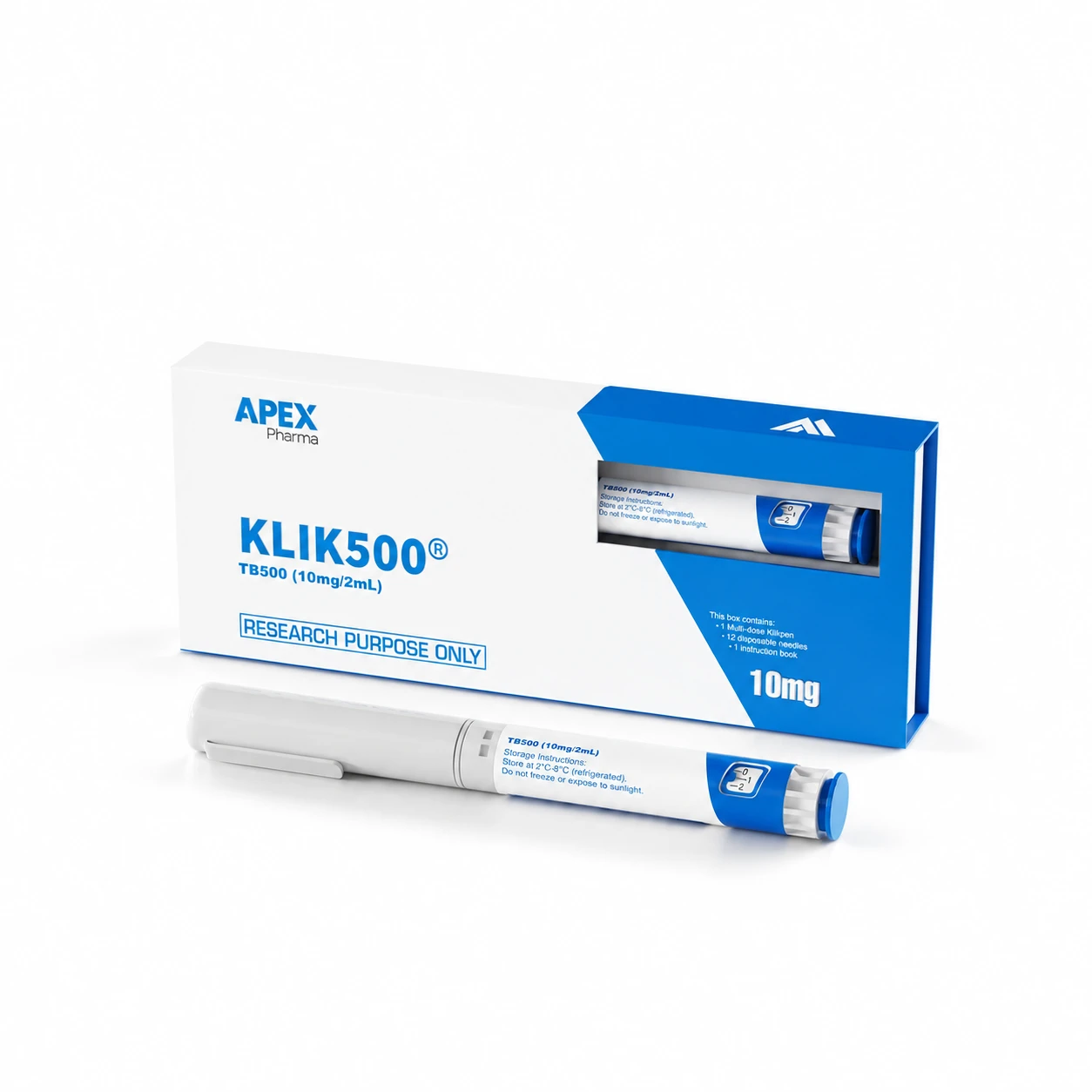
The STRENGTH bundle is two separate pens, KLIK500 (TB-500 10mg in 2mL) and KLIK157 (BPC-157 10mg in 2mL). Each has its own label and its own batch number. If you order again later, the new pens may carry different batch numbers from the first set, so the checking you did last time doesn't automatically carry over.
A bundle is an order, not a batch
The name on the order line describes what you bought. The batch number printed on each pen label describes where that physical item sits in the supplier's stock. Those are different identifiers, and a file that records only the bundle name loses the second one.
The practical fix is to treat the STRENGTH bundle as two items in your records. Log the TB-500 pen and the BPC-157 pen on separate lines, each with the batch number read from its own label. Don't assume the two numbers match, and don't record one on behalf of the other.
What to log when the pens arrive
Photograph or transcribe each label as soon as the parcel is opened, while the pens are still sitting next to the paperwork. A line per pen should capture:
- The label name (KLIK500 or KLIK157)
- The batch number exactly as printed
- The date received
- The report you have located for that batch, if any, and where you found it
- Whether the batch number on the report matches the label, a plain yes, no or not found
That last field is the one people skip. "Report on file" and "report matches this pen" are two separate statements, and only the second is useful.
Why a reorder needs its own check
Imagine you ordered the bundle once, matched both pens to their reports and filed everything neatly. A while later you reorder. The folder says "STRENGTH bundle: report on file", and it's tempting to move on.
The trouble is that the earlier report was matched to the earlier pens. The new pens have to be read from their own labels and compared again. If the numbers are the same, the old report still applies and you can say so in the log. If they differ, you need the report for the new batch, which may or may not be published yet. Reports are available on the Certificates of Analysis page and on product pages where one exists, so look there first and ask if you can't find it.
Pens from two deliveries can also end up in the same fridge. Tag each one with its batch number and received date, so nobody pairs a pen with the wrong paperwork months later.
Reading a matching report, and a mismatch
A report with the right batch number tells you what was found in the sample that was tested. It doesn't turn into a guarantee for every unit in every future order, and it doesn't settle whether the material suits your project. That judgement belongs with the researcher who knows the work.
Equally, a missing report is not a failed result. It means you can't yet tick that box. Record it as an open question and carry on asking, rather than writing it up as a problem with the product.
When the numbers don't line up
Say the label reads one batch number and the report on file shows another. The likeliest explanation is administrative: the report may belong to an earlier batch, or one of the two numbers may have been copied wrongly. Check your own transcription first, then write to the supplier with both numbers quoted exactly and ask which report covers the pen you hold.
A short, specific message gets a short, specific answer. "Please check our order" does not.
Reorder checklist
- Read the batch number from each pen label, one pen at a time.
- Compare both numbers with the previous order's records, noting any that differ.
- Find a report for each batch, and record where you found it.
- Match the batch number on each report to the label.
- Log "not found" as its own status rather than leaving a blank.
- Keep pens from different deliveries separate and labelled in storage, following the storage guide.
Frequently asked questions
Do both pens in the bundle need the same report?
Not necessarily. They are two different materials, so each pen needs a report that matches its own batch number. One document covering both is possible, but you should confirm that rather than assume it.
Can I reuse last order's report for a reorder?
Only if the batch number on the new pen label is identical to the one on that report. If it differs, treat the report as belonging to the earlier batch.
What if I can't find a report for my batch?
Note it as "not found" and ask. Include the label name and the exact batch number so the request can be answered without a back-and-forth.