Forwarding a Peptide Enquiry? Save More Than the Link and Screenshot
A link and a screenshot rarely explain why you looked at a page. Here is what to record so a colleague can pick up your enquiry without starting again.
Passing a research peptide enquiry to a colleague is easy. Passing it on so they can carry it forward without ringing you is harder. A URL and a screenshot show what a page looked like, but not why you were looking at it, which listing you meant or what you still need to find out.
This article covers what to keep from a supplier's website when an enquiry changes hands. It is written for lab staff and procurement teams who collect pages, reports and replies over several days and then need someone else to continue. None of it takes long, and it saves a lot of repeat searching.
What a link or screenshot leaves out
Picture opening a shared folder of captures called "page1", "page2" and "page3". You can read the text, but you cannot tell whether each page was saved to identify a product, to find a report or to check delivery. Those are three different jobs, and a capture made for one should not quietly be treated as evidence for another.
Pages also move on. Wording gets edited, documents are added or replaced, and a capture with no date cannot be placed in time. Whoever inherits it has no way to know whether the live page still says the same thing.
Save the details that identify the item
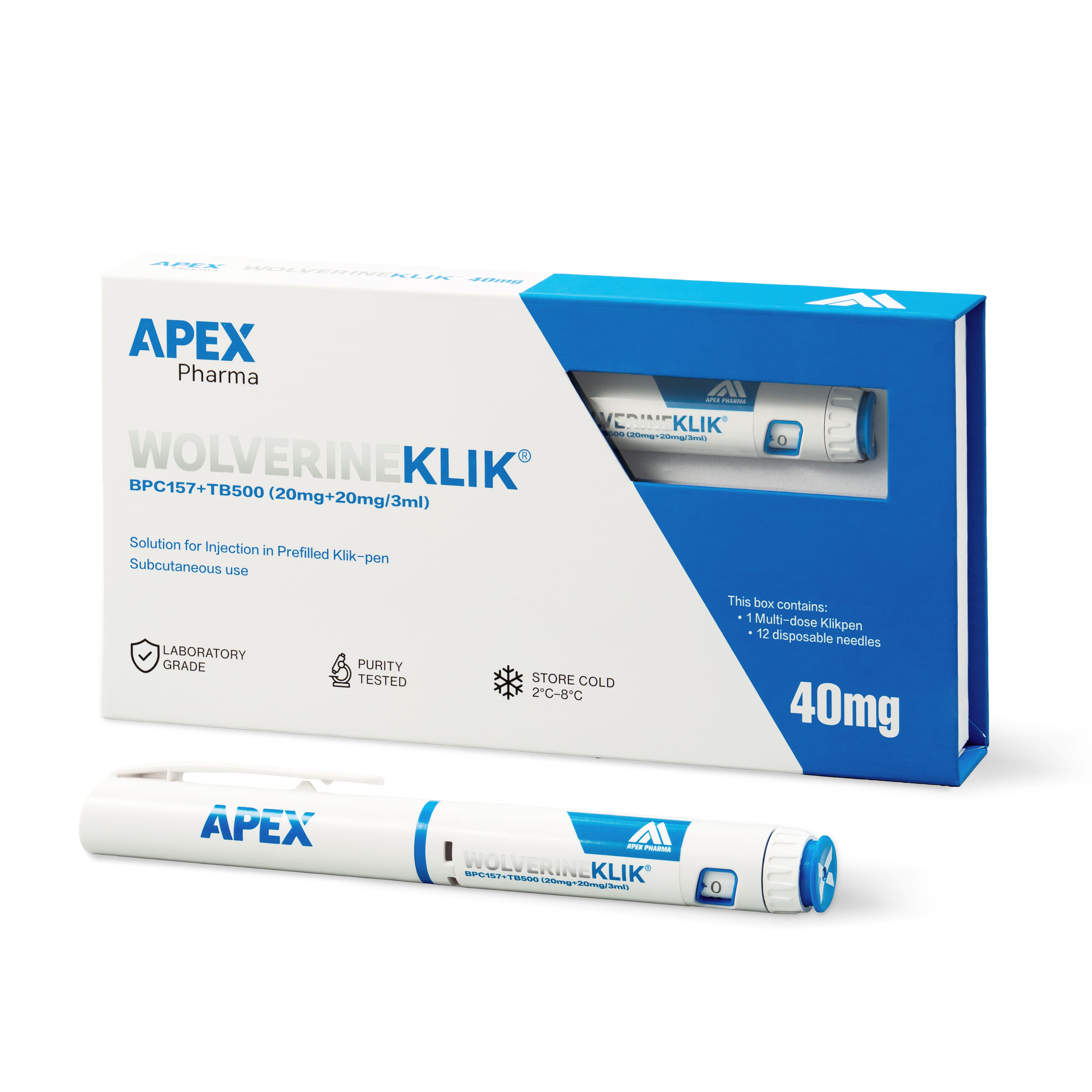
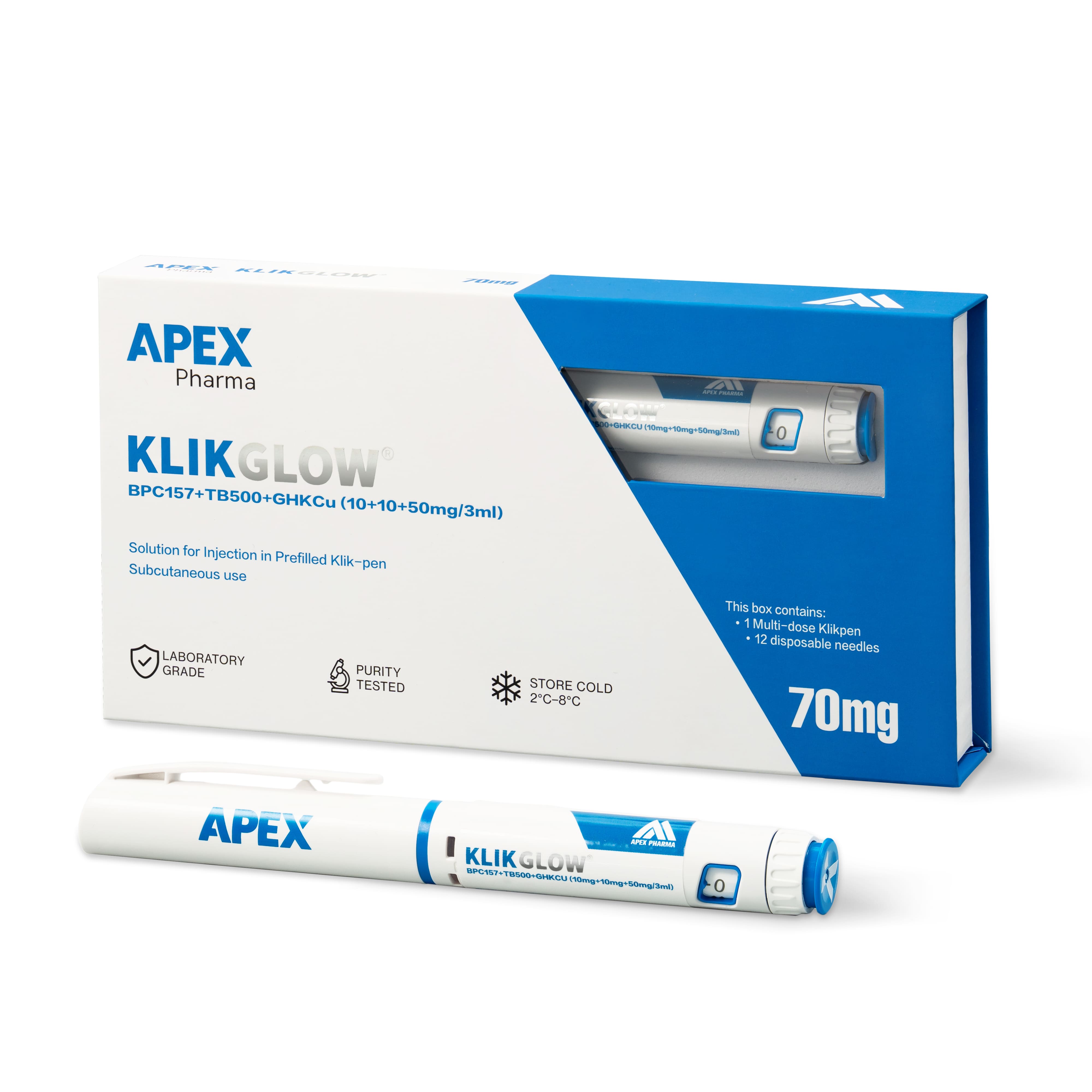
Product names are easy to shorten, and shortened names cause confusion. "The blend" could mean the Wolverine pen (BPC-157 20mg and TB-500 20mg in one 3ml pen) or the GLOW pen (BPC-157 10mg, TB-500 10mg and GHK-Cu 50mg in one 3ml pen). The label names, WOLVERINEKLIK and KLIKGLOW, settle the question, but only if somebody writes them down.
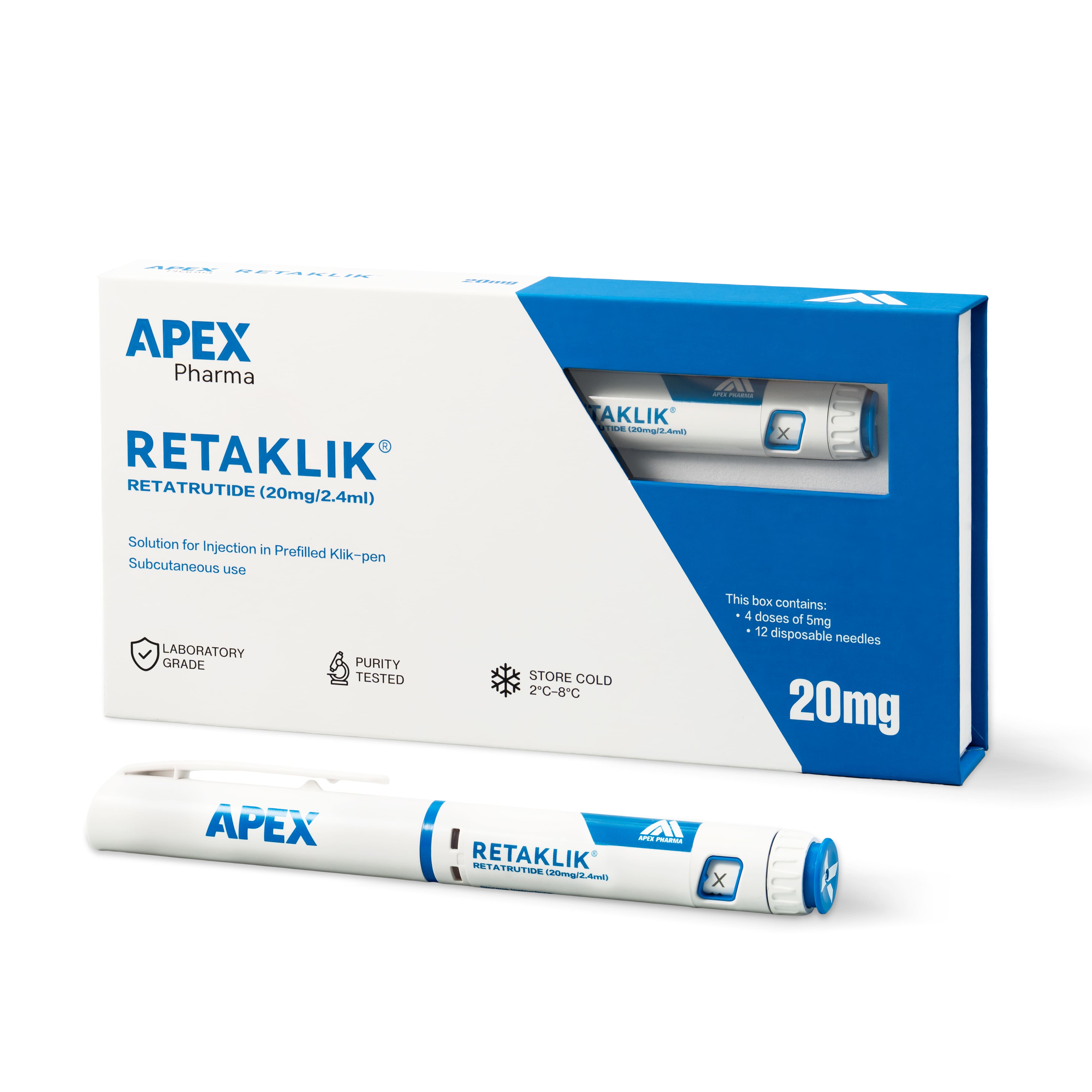
When you capture a listing from the research catalogue, note the full product name as shown, the pack description, the stated amounts and the date you saved it. If the page links to a Certificate of Analysis, save the report as its own file and record the batch number it names. Reports are published on the Certificates of Analysis page and on product pages where one is available, so a page without a report is a gap to note, not a mistake on your part.
Keep the supplier's words apart from your own
Quote the supplier's wording in one place and put your interpretation somewhere else, with your name on it. "Page lists 70mg in total" is a source statement. "So it covers all three components" is your reading. Once both sit in one confident paragraph, a later reader can mistake the second for something the supplier confirmed.
The same applies to prices and delivery terms. A figure noted from a page last week is not an answer to the question you put to the supplier today, so label which is which.
Where a page describes an item as supplied for research use only, copy that wording across rather than paraphrasing it. Paraphrases drift, and that is how statements about use creep into internal summaries.
A handover note checklist
Put these in a single short note at the top of the folder.
- Why you visited: finding a product, locating a report, or planning cost and delivery.
- The exact product name, label name and pack description, copied rather than abbreviated.
- The date each page or document was captured.
- The batch number on any report, and whether you have matched it to a label yet.
- Which statements are quoted from the supplier and which are your own notes.
- What you asked the supplier, when you asked it and whether anyone has replied.
- What the saved material was never meant to support, for example "page capture only, no technical review".
That last item deserves attention. A capture taken only to identify a candidate can drift into an approval request and start to look like a completed review. One written line stops it.
Say what is still open, and who owns it
"Pending" on its own tells nobody what to do. Name the open point, say which decision it blocks and say who is placed to resolve it. Sometimes that is a question for the supplier. Sometimes the information is already in the folder and needs a technical colleague to interpret it, in which case asking the supplier again only adds noise.
Finish with three lines: the source, where you got to, and the next decision. A colleague who reads those can carry on without redoing your search, and without assuming that every saved file has been checked.
Frequently asked questions
Is a screenshot enough to show what a listing said?
It shows how the page looked at one moment, which is useful, but it needs a date, the page address and a note of why you took it. Copy the key fields into text as well so they can be searched later.
Should I forward the supplier's emails too?
Yes, where they answer a question about the exact item or batch. Add a line above each one saying which question it answers, so your colleague does not have to work it out.
How many pages should I save?
Only as many as the decision needs. A few well-labelled captures are far more use than a large folder in which the important ones cannot be found.