Keeping the Trail Intact When a GLOW Batch Document Is Replaced
When a second version of a GLOW batch document arrives, overwriting the first erases your reasoning. A short version log keeps the history readable.
You saved the GLOW batch report weeks ago and wrote your purchasing note from it. Now a document with a near-identical filename turns up. Perhaps it covers the same batch with a corrected line, perhaps it covers a different batch altogether, and perhaps it is simply the same file sent again. Which one do you rely on, and what do you do with the old one?
The worst answer is to drag the new file over the old. A GLOW batch report that has been silently replaced leaves you unable to explain why your earlier note said what it did. This is not about any known problem with a particular document; it is about having a habit in place before the day you need it.
Why shouldn't you overwrite the old file?
Overwriting makes the folder look tidy and the record unreliable. Your original summary was based on the first version. If that version is gone, nobody can tell whether the summary was sound at the time or whether something changed underneath it.
Rename and add instead. Give each file a name that carries the item, batch, source and date received, such as "glow_[batch]_report_[source]_[date]". The exact pattern matters less than using the same one every time.
What should each log entry hold?
A one-line entry per document is enough. A plain spreadsheet works.
- File name as saved, plus the original name as received.
- Date and route received: downloaded from the COA page, attached to an email, or supplied some other way.
- Batch number printed on the document.
- What differs from the previous version, or "first copy".
- Who judged it, meaning the person who decided what the difference means.
- Status: current, superseded or under query.
Notice that item five is separate from item four. Anyone can spot that two files differ. Deciding whether the difference matters is a different task, and it may belong to a different person.
What changed, and does it matter?
Before you reach a view, work out which kind of change you are looking at. Four are common:
- Cosmetic. Layout, filename or formatting, with identical content.
- Clarified wording. A description or identifier made more specific.
- A different batch. Same product name, different batch number.
- A changed finding or amount. The actual content differs.
The first two rarely affect a decision. The last two often do. A later date on its own tells you nothing; compare the content.
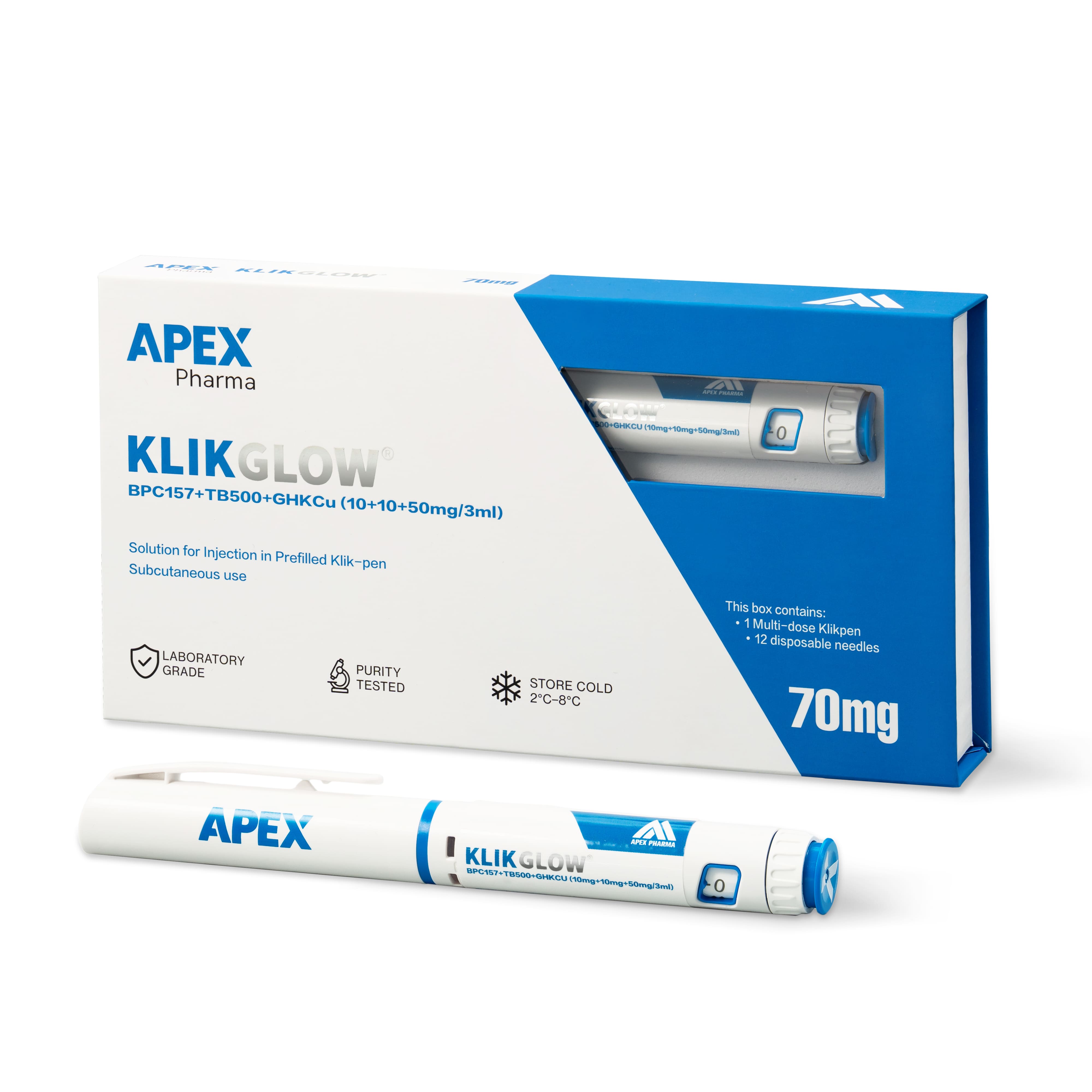
Always check the batch number against the label on the pen you hold. Reports are published on the COA page and on product pages where one is available, and the version that applies to your stock is the one whose batch number matches. The GLOW product page is the place to start looking.
Which conclusions need a second look?
Only revisit what depended on the old version. Trace through the records that quote the document: your purchasing note, the inventory entry, any approval summary. If the change was cosmetic, add a log line and move on. If it was a different batch or a changed finding, the summary that relied on it needs to be re-read against the new text.
Resist both extremes. Repeating the whole review for a reformatted file wastes time, and keeping an earlier conclusion because "most of it looks the same" can hide a single altered line that matters.
Whose correction is it, and who needs to know?
Keep attribution straight. If the source issued a new version, log it as a source change. If you discover your own summary copied something incorrectly, log it as an internal correction, even when it came to light while you were reading the new document. The next reader should not come away thinking the supplier made an error that was actually yours, or the reverse.
A revised document is also not a verdict. It does not prove a batch failed anything, and it does not prove the earlier one was sound. It is a prompt to ask what changed.
Once the log is updated, check where the earlier interpretation was sent. If an approver received a summary built on version one, tell them what changed and which version you now rely on, and follow your organisation's procedure for anything already signed off. Everything CLOVA sells is for laboratory research use only, so a clean decision trail is part of working responsibly with it.
Frequently asked questions
Should I delete the superseded document?
No. Mark it as superseded and keep it archived, subject to your organisation's retention rules. Its value is in showing what your earlier note was based on.
Does a revised report mean something is wrong with the batch?
Not by itself. Documents are updated for many ordinary reasons. Treat the revision as a question to ask, and avoid writing "defective" or "failed" into your record without evidence that says so.
Which document applies to the pen I have in the fridge?
The one whose batch number matches the label on that pen. If more than one version carries the same batch number, ask which is current and log the answer with the date.