Whose Change Is It? Owning a Revised BPC-157 TB-500 GHK-Cu Spec
A revised spec in the shared folder raises one question first, who changed it? Work out the origin, name the owner and write a change note that holds up.

When a revised BPC-157 TB-500 GHK-Cu blend specification turns up in your shared folder, the first question is not what changed but who changed it. A new attachment can circulate for days without anyone knowing whether it updates your own requirement, the supplier's description or a batch document.
Getting the origin right decides who should act next. It also stops you asking a supplier to explain a change they never made.
Three places a revision can start
A specification really lives in three separate records, and a change in one does not mean the others moved:
| Where the change started | Who owns the question | First action |
|---|---|---|
| Your own requirement | The researcher who wrote it | Assess the new requirement against the current listing, then update the purchase request |
| The supplier's listing | Purchasing, with the researcher | Ask the supplier what changed, then re-check the affected fields |
| A batch document | Whoever holds the file | Confirm which batch and which report it covers, then compare with the label |
A new filename or date tells you none of this. Open the document and find the field that is different.
Which fields to look at for GLOW
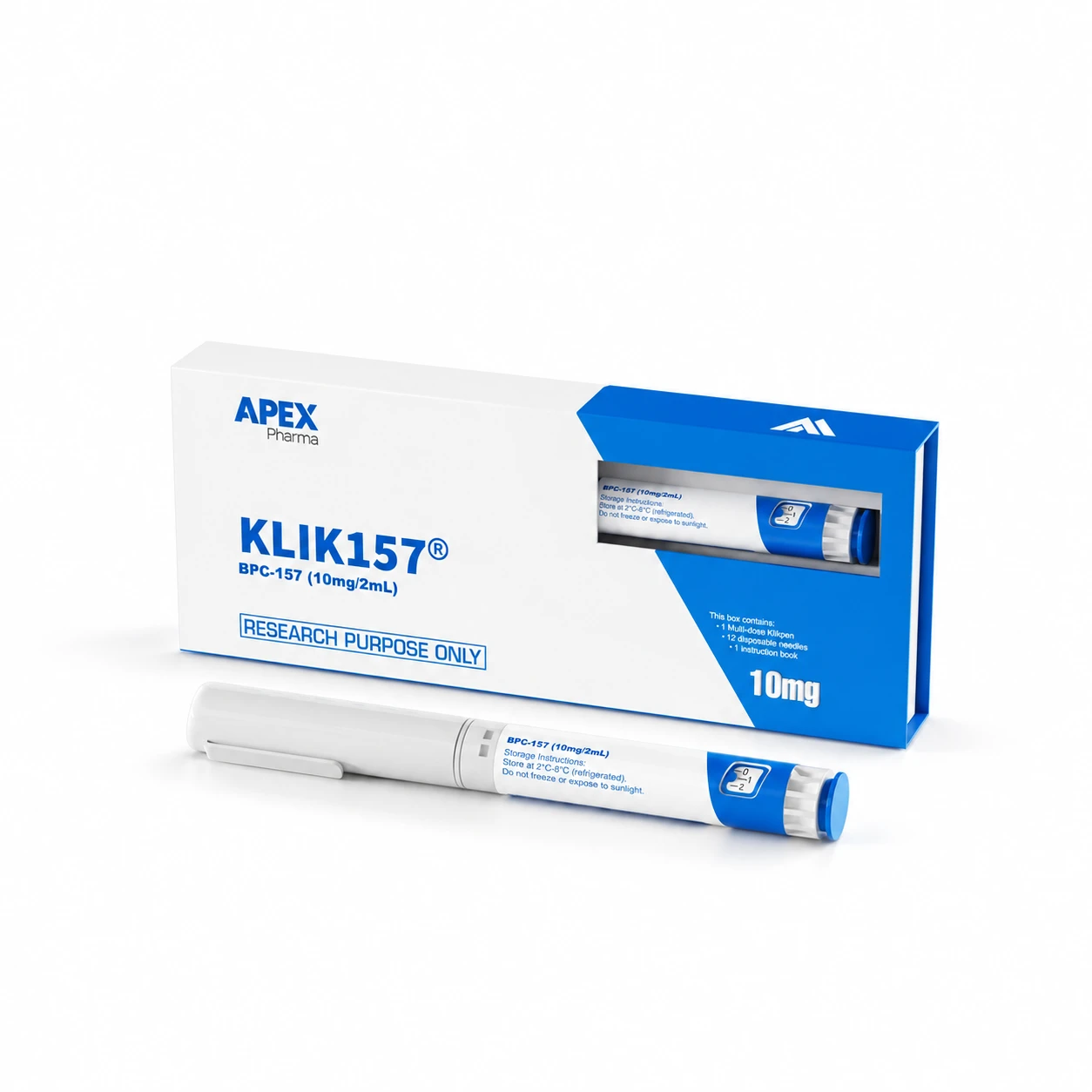
The GLOW blend is a single 3ml pen holding BPC-157 10mg, TB-500 10mg and GHK-Cu 50mg, 70mg in total. The label name is KLIKGLOW. Those figures are what a revision is most likely to touch, so compare them one by one against the GLOW listing.
If a revised sheet still says "GLOW" but lists amounts that no longer match, work out whether it is a typing slip in your own document or a different product that has been renamed in passing. An alternative introduced in correspondence should not slip through under an unchanged internal name without being assessed on its own.
Name an owner for each judgement
Moving files around and judging what they mean are different jobs, and they often belong to different people.
- The researcher decides whether the changed field affects the technical assessment.
- Purchasing keeps the documents in order and updates the request accurately.
- The approver decides whether the revised scope still fits what they signed off.
Follow your own procedures here. There is no universal threshold or hierarchy, and your organisation may split these roles differently. What matters is that each judgement has a named person, so a forwarded attachment does not stand in for a decision.
Write the change note
A good note takes two minutes and saves hours later. Include:
- The field that changed, with the old and new values.
- The origin: your requirement, the supplier's listing or a batch document.
- The date, and who made or received the change.
- Who needs to assess the consequence.
- Which earlier recommendation or approval it touches.
- Which version is now the one everyone should rely on.
If a supplier explanation arrives, read it for what it actually addresses. Clarifying wording is not the same as evidence that the material changed, and your note should not infer a cause the information does not support. Where a batch report is involved, the Certificates of Analysis page lists reports where they are available, and the batch number on the label is what ties one to your pen.
Tell everyone who relied on the old version
Updating the shared folder is not enough if a recommendation has already circulated. An approver may be working from the earlier interpretation without knowing it was superseded.
Mark the old version as superseded rather than deleting it, since the history may be useful, and send the correction to whoever acted on it. Name the decision the revision affects, so they know whether to look again.
Frequently asked questions
Do I need to ask the supplier to explain every revision?
No. Only ask when the change came from their listing or their document. If the revision started in your own requirement, the supplier has nothing to explain, and asking suggests a change on their side that did not happen.
Should superseded versions be deleted?
Keep them as history, clearly labelled as superseded, and make sure the current version is obvious from the filename or the log. Deleting them can leave you unable to show what an earlier approval was based on.
Who signs off a revised specification?
That depends on your own procedures. As a rule, the person who owns the technical judgement confirms the change is acceptable, and the person with spending authority confirms the revised scope still matches what was approved.