BPC-157 TB-500 Bundle COA: Pairing Two Pens With Their Reports
A genuine certificate can still cover only one pen, or another batch. Here is how to pair each pen in a two-pen bundle with its own report and log what is missing.
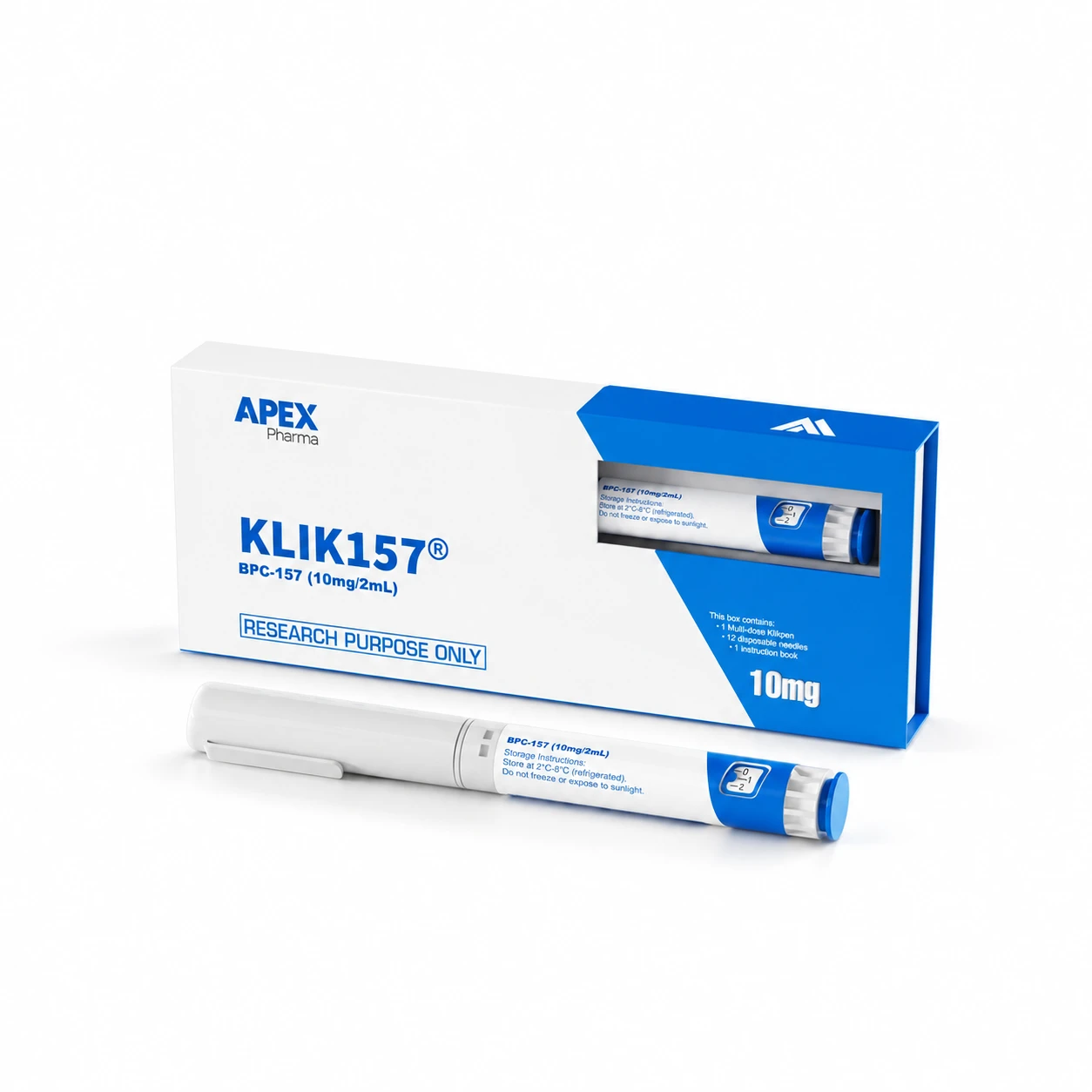
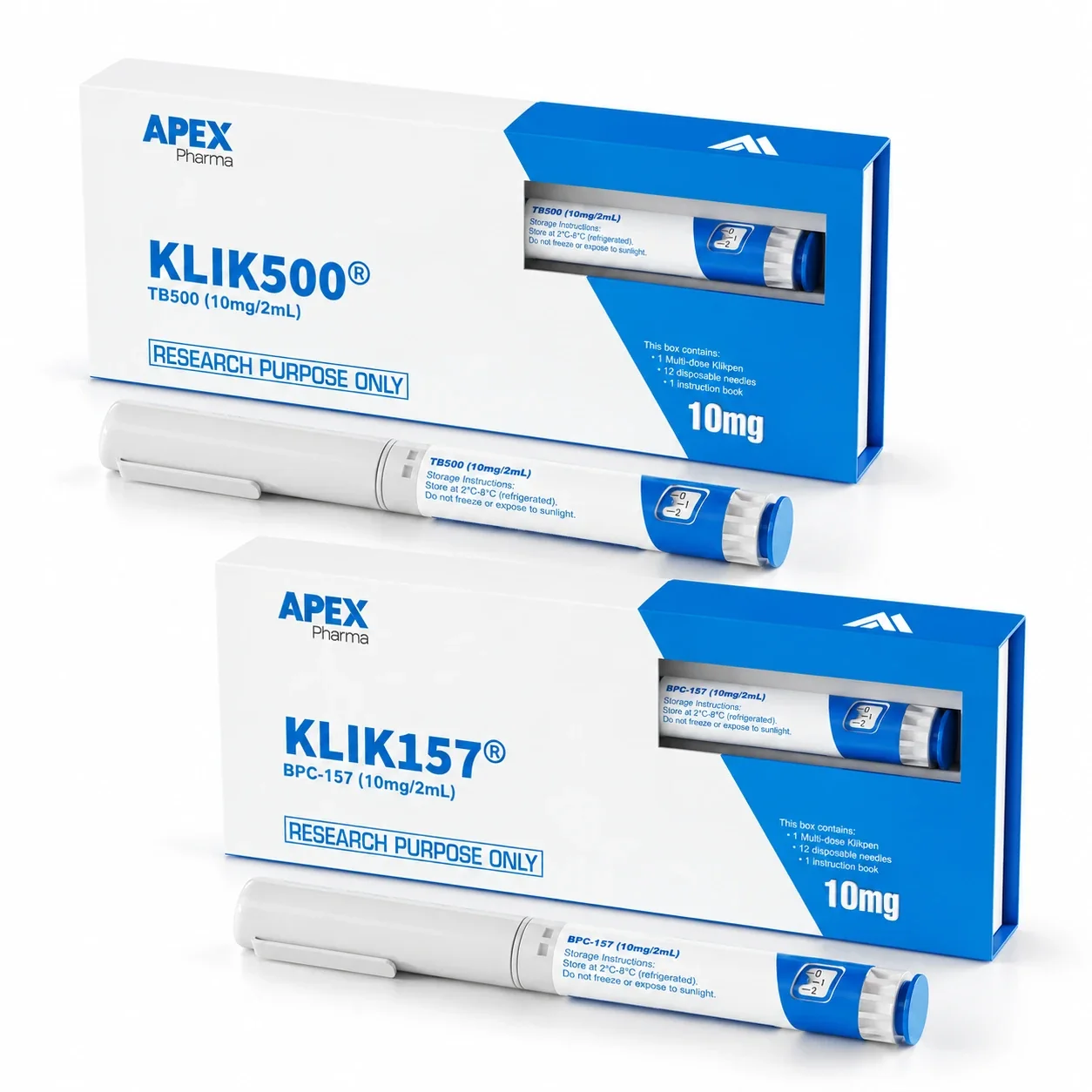
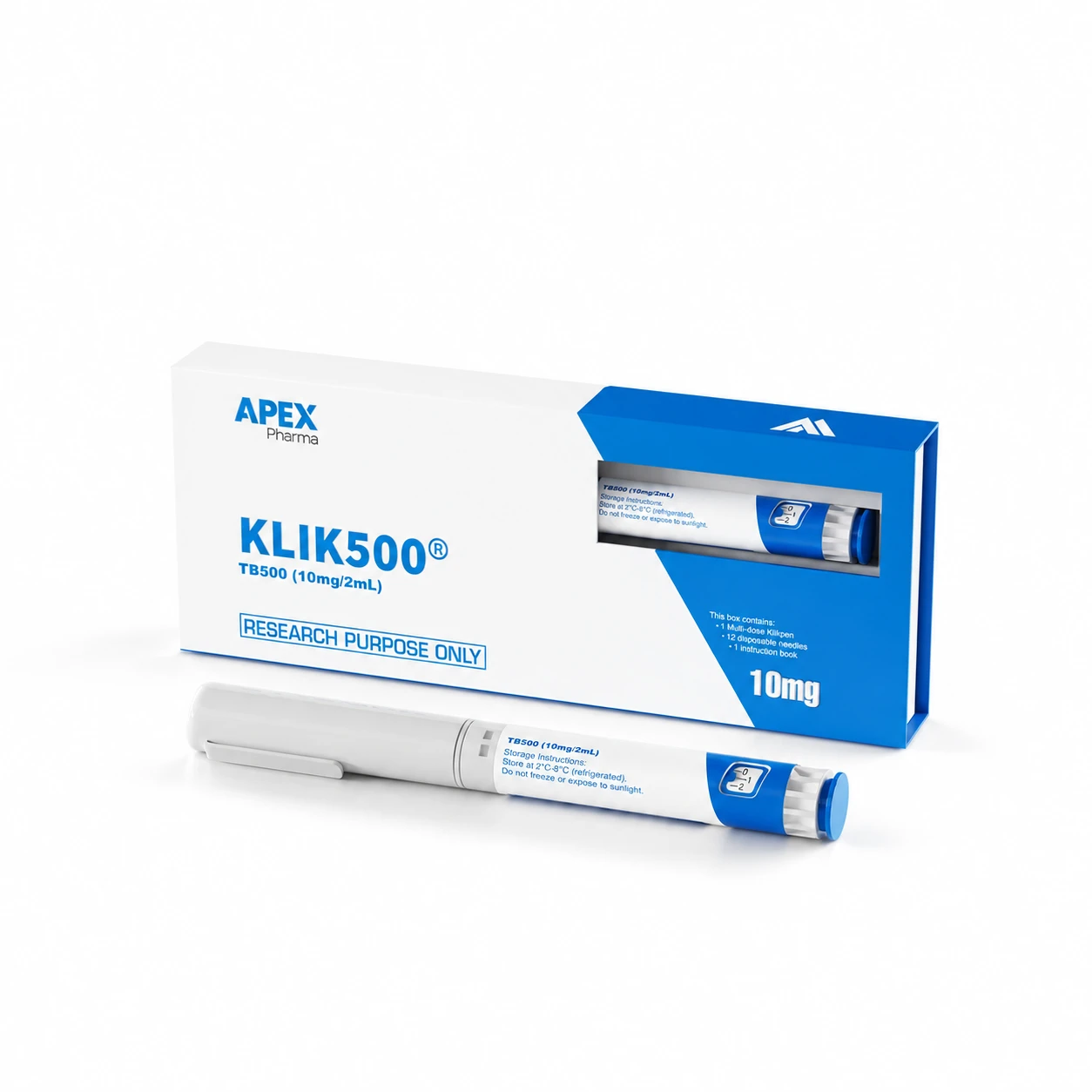
With a BPC-157 TB-500 bundle COA, the first question is not whether a certificate exists but which pen it belongs to. CLOVA's STRENGTH bundle is two separate pens, KLIK500 (TB-500 10mg/2mL) and KLIK157 (BPC-157 10mg/2mL), so there are two items to document. A report can be perfectly genuine and still cover only one of them, or a different batch altogether.
Certificates of Analysis are published on the COAs page and on product pages where a report is available. Not every product or batch has one. The sensible approach is to pair each pen with its own report using the batch number on the label, and to record honestly any pen left without a match.
One bundle, two pens, two documents
Buying the pens together does not create a shared analytical record. A report for the TB-500 pen does not speak for the BPC-157 pen, and the bundle name on an order does not appear in a report's sample description.
In your records, give each pen its own line: pen name, label batch number, report found, result of the match. That way a missing document shows up as an empty cell, not as a hidden assumption.
How to pair a pen with a report
- Read the pen label and note the product name (KLIK500 or KLIK157) and the batch number.
- Look for a report on the COAs page or on the pen's own product page, KLIK500 TB-500 10mg or KLIK157 BPC-157 10mg.
- Compare the batch number on the report with the label, character by character.
- Check that the sample or product name on the report corresponds to what is in that pen.
- Record one of three outcomes for each pen: matched, not matched or no report found.
- Save the original document untouched. Put your interpretation in a separate note, never as an edit to the report.
Four situations and what to do
| What you find | What it means | Next step |
|---|---|---|
| A report for one pen only | The other pen has no match yet | Log "no report located" for it and ask CLOVA whether one is available for that batch |
| Report batch number differs from the label | The report documents a different batch | Do not treat it as a match; ask for the report that corresponds to your batch, if one exists |
| Sample name is abbreviated or unfamiliar | The link to the pen is unclear | Ask which product the name refers to, and do not rename it in your copy |
| Batch matches but the connection to the bundle is unclear | Partly resolved | Ask a bounded question naming the document and the missing link |
Picking the nearest-looking report just to complete a checklist field is the mistake to avoid. If you find yourself tempted, leave the field blank and say why.
Asking CLOVA a bounded question
A general "do you have a certificate?" tends to get a general answer. Name the pen, the label batch number, the document and the one connection you cannot confirm:
I have the STRENGTH bundle, KLIK157 pen, batch [number] from the label. The report on the COAs page lists [identifier]. Could you confirm whether it corresponds to my batch? I have not located a report for the KLIK500 pen, batch [number].
Read the reply for its actual scope. Clearing up one identifier does not necessarily settle another, and an acknowledgement is not the same as a confirmed match. Note the partial progress as exactly that.
Who decides whether it is enough?
Purchasing staff can gather documents without owning the judgement about them. Name the person responsible for technical review and ask them to read the supplier's clarification against the project brief. Sending the same request for the same report again will not help once the question has become one of interpretation.
If the evidence stays insufficient, you can keep a provisional status or stop considering the item for your purpose. Say so narrowly, for example "no report located for the KLIK500 batch", rather than implying anything is defective. A report describes the material it was run on and nothing more, and CLOVA supplies the bundle for laboratory research use only.
Frequently asked questions
Does every batch have a COA?
No. Reports are published where one is available, so some batches will have none listed. If yours has none, record that in your file and ask CLOVA rather than borrowing another batch's report.
Can one report cover both pens?
Do not assume so. Each pen is a separate item with its own label and batch number, so match each one individually and only treat a report as covering what it explicitly names.
What if the batch number on my pen is not on the page?
Record the number exactly as printed and ask CLOVA whether a report exists for it. Until you have an answer, the entry stays "no report found", not "matched".