Checkout Screens to Save When Ordering a Research Blend Online
Buying online takes minutes, but proving later what was listed takes longer. Save six screens and check a few details before you pay.
Buying a BPC-157 TB-500 blend online in the UK takes a few minutes. Working out months later exactly what the page said, what you agreed to and when you paid can take a good deal longer. Product pages, delivery wording and documents all get updated, and your order confirmation email will not preserve any of that.
A few extra minutes at checkout fix this. Save the right screens, check the order line against what you meant to buy and note the time. The result is a record your approver, your finance team or your future self can rely on.
Why bother with screenshots?
An order confirmation tells you what was sold and what you paid. It does not usually show what the delivery page promised that day, what the returns wording was or which document was linked from the product page.
If a question comes up later, such as why a pen was a different size from the one in a colleague's note, dated screens answer it in seconds. Without them, you are comparing memory with whatever the site says today.
The six screens worth saving
Capture these in order, and include the date and time if your screenshot tool shows them.
- The product page. Name, pen size, stated contents, price and any report link or batch information shown.
- The basket. Every line item, the quantity and the delivery option you selected.
- The delivery information page. Dispatch cut-off, tracking and packaging details, as published on the delivery page.
- The returns and refunds page. The wording in force when you ordered, from the returns page.
- The final review screen. Totals, delivery cost and address, before you press pay.
- The confirmation page and email. The order number is the key that ties everything else together.
Save them in one folder named with the order number, not scattered across downloads.
Check the order line before you pay
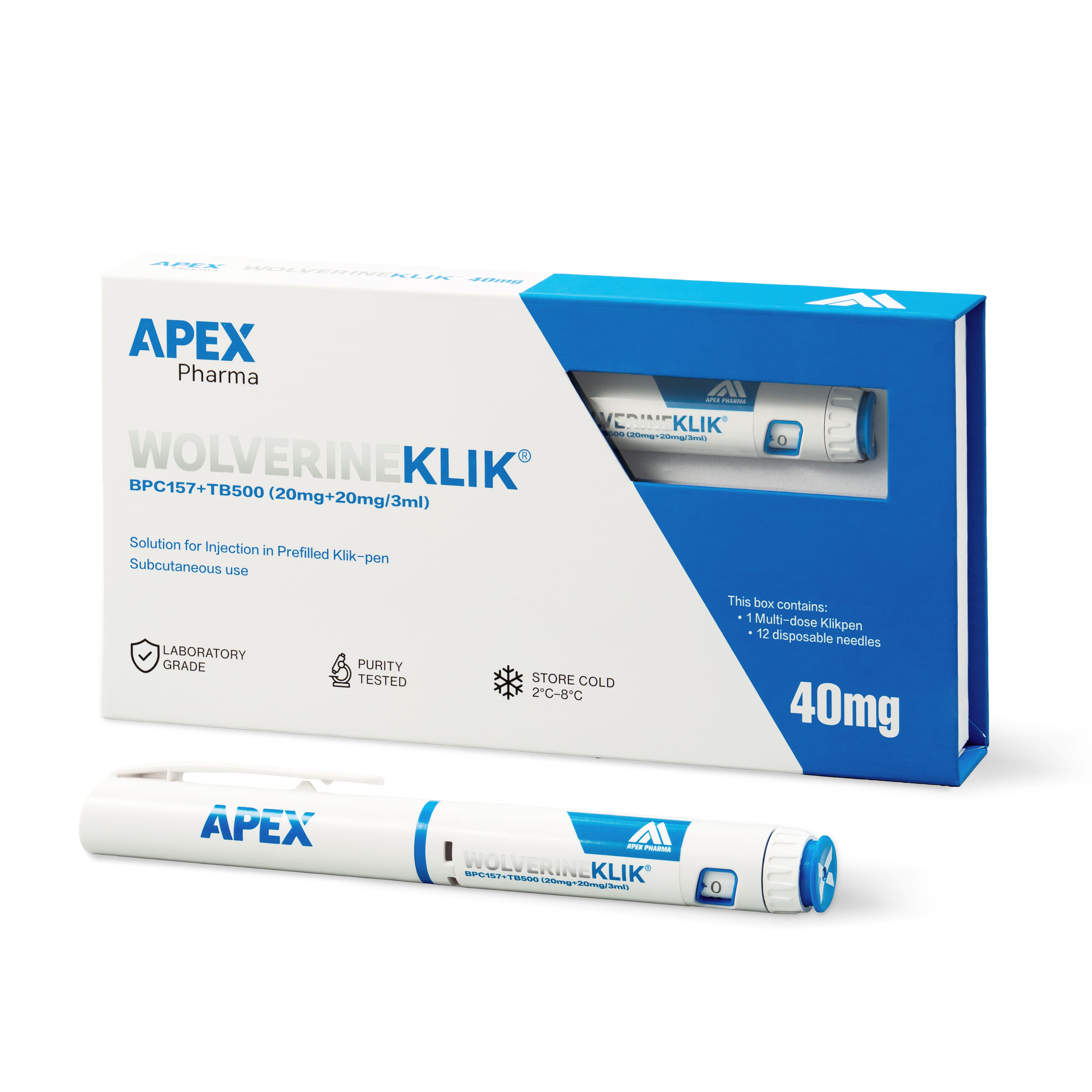
The basket is where mix-ups happen, so read it as carefully as the product page. For the Wolverine blend you should see a single 3ml pen containing BPC-157 20mg and TB-500 20mg, 40mg in total. If you meant to order two separate pens instead, you are looking at a different arrangement, so stop and check which product you added.
Confirm the quantity and the price per unit as well, and make sure the delivery charge shown matches what the delivery page says. If anything differs from what you expected, do not pay and hope to sort it out later. Message the supplier first. It is also worth checking that the page states the material is supplied for laboratory research use only, so your record shows what the purchase was for.
Look at who you are buying from
Take ten seconds over the address bar. Does the domain match the one on your shortlist and in any emails you have received? Is there an About page that says who runs the site, and a clear way to get in touch? None of this proves anything on its own, but a checkout with no visible identity, contact route or policies is a reason to pause.
After you press pay
Note the time of payment. Orders paid before 1pm UK time Monday to Friday are dispatched the same working day, so a payment at 12.50pm and one at 1.10pm can leave on different days. That is useful to know when you plan around delivery.
Then compare the confirmation email with your saved screens: product, quantity, price, delivery option and address. File the tracking number under the same order number when it arrives. Parcels are shipped cold and in discreet outer packaging without branding, so tell whoever receives deliveries to expect one.
Frequently asked questions
Do I still need screenshots if I receive a confirmation email?
Yes. The email records the sale, but not the delivery, returns or document wording that applied when you ordered. The two together make a fuller record.
What if the basket shows a different product from the one I chose?
Do not complete the payment. Go back to the product page, check the name and pen size, and contact the supplier if the discrepancy remains. It is far simpler to fix before paying than after.
How long should I keep the saved screens?
Follow your organisation's own records policy. If you do not have one for procurement, keep them at least as long as you keep the pen and its batch paperwork.